
Transmute
Get the font


Advanced hardware may be driven by sophisticated software, but the physical machine has not disappeared. Instruments still have panels, modules, selectors, housings, ports, control zones, and equipment labels. The challenge is giving those surfaces a contemporary technical identity without making them look like anonymous office electronics or a fictional spaceship.
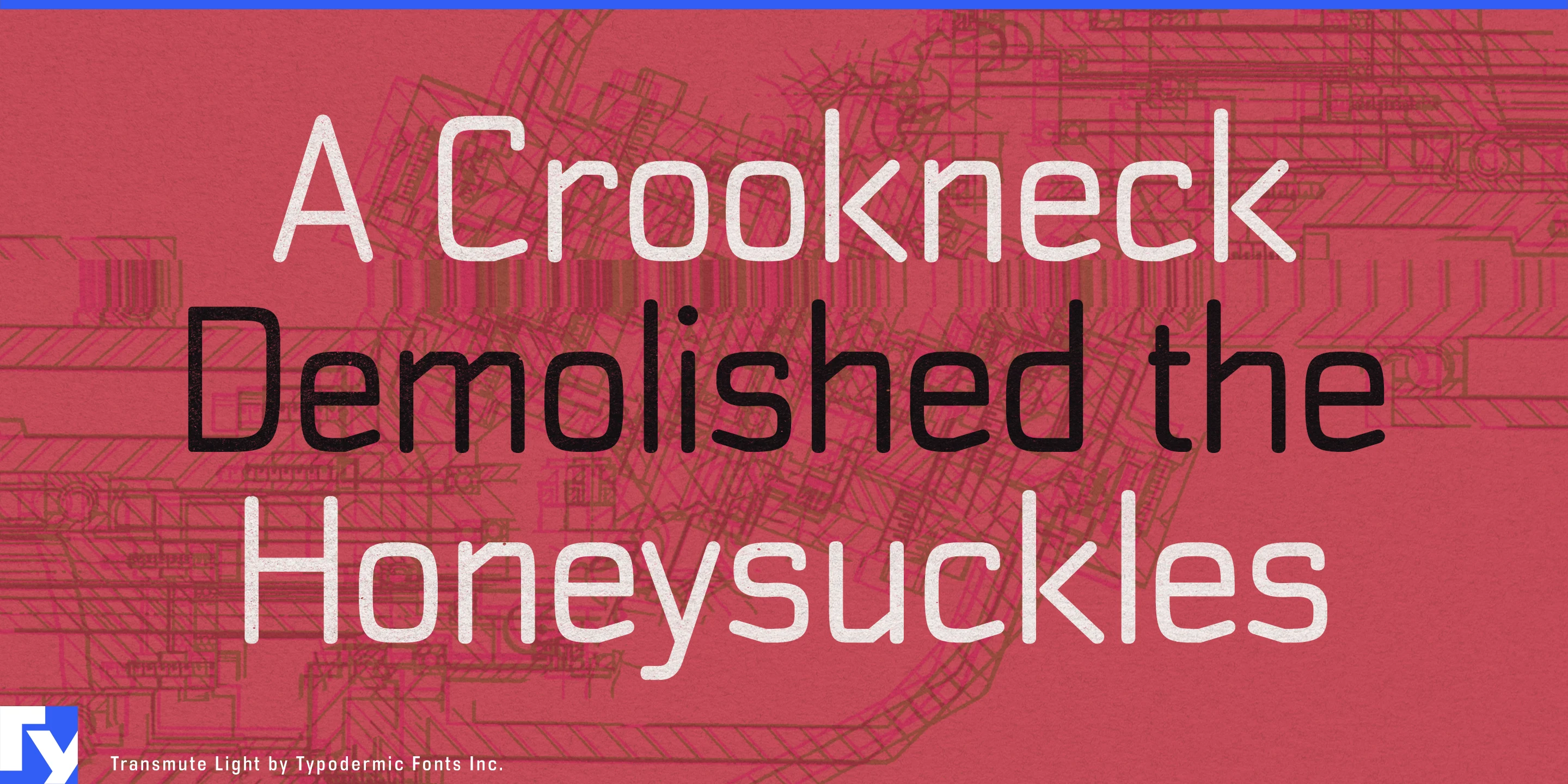
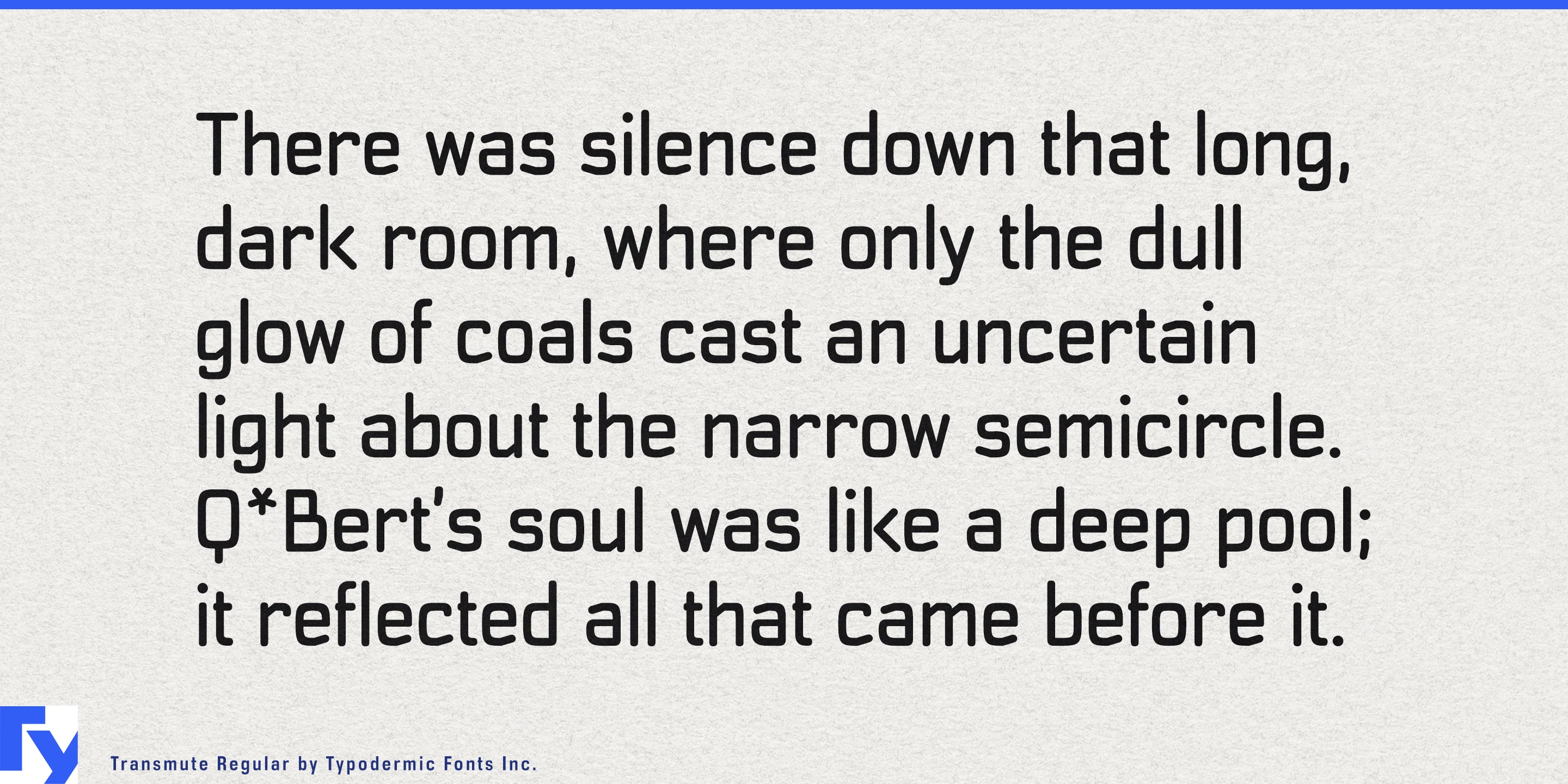
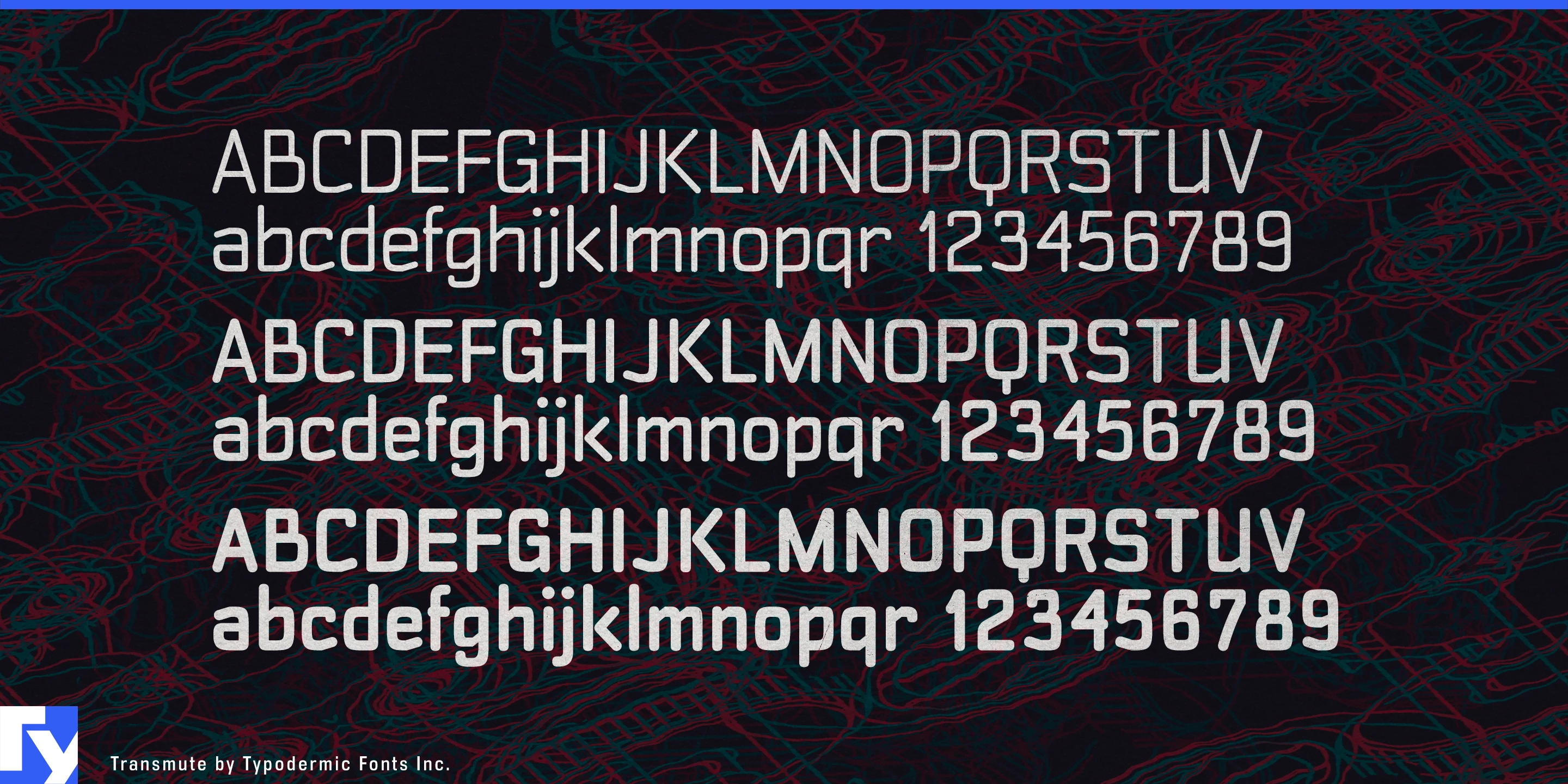
Transmute is built for that boundary between digital systems and tangible machinery. Its squared monoline construction, rounded corners, clipped details, and compact mixed-case forms suggest keys, instrument panels, modules, and electromechanical controls without reproducing any one historical device. It feels technological because it looks operated rather than merely displayed.
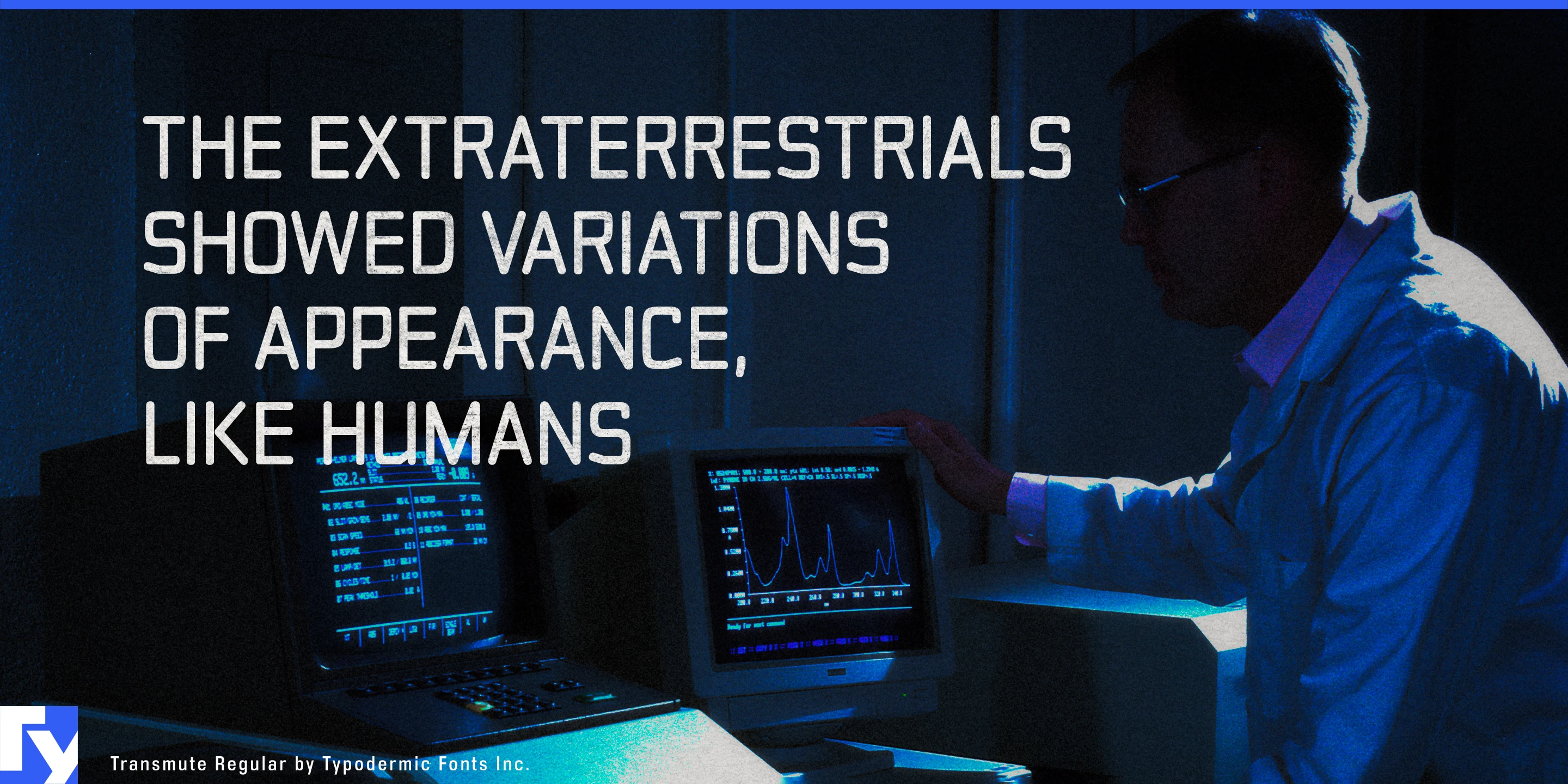
Autonomous laboratories are an especially strong setting. Robotic sample stations, automated microscopes, liquid-handling systems, analytical instruments, materials-research cells, and other self-directed laboratory equipment still need to be identified, accessed, calibrated, and serviced. Transmute can handle instrument names, module headings, equipment markings, experiment-station graphics, demonstration displays, and laboratory-automation presentations while leaving dense results and operating instructions to a conventional text face.
Test and measurement equipment presents a similar opportunity. Oscilloscopes, spectrum analyzers, RF systems, data-acquisition hardware, optical instruments, calibration equipment, laboratory power supplies, and custom research machines all sit between physical controls and digital information. Transmute can give front-panel section names, instrument families, measurement modes, equipment cases, exhibition graphics, and system diagrams a common technical voice.
The same language can work inside specialist vehicles and machinery. Performance EVs, off-road vehicles, agricultural machines, emergency vehicles, and industrial equipment still rely on physical selectors, auxiliary controls, rotary interfaces, and clearly divided control zones. Transmute suits console headings, drive-mode graphics, accessory panels, charging hardware, cockpit concepts, and technical presentation material.
Modular professional electronics provide another natural fit. Industrial edge computers, sensor hubs, rugged diagnostic tools, removable I/O modules, communications equipment, and serviceable control systems are built from visible components that are inserted, connected, swapped, and configured. Transmute works naturally around sockets, cartridges, display windows, buttons, and equipment bays, making it useful for module-family names, front-panel graphics, rack hardware identities, configuration diagrams, and product-launch material.
Transmute is most useful when technology needs to look tangible: machines that can be opened, adjusted, calibrated, connected, serviced, and physically operated.
Get Transmute
Desktop licenses cover print, logos, and static graphics. MyFonts also offers embedding licenses for websites, e-books, and applications. Embedding licenses
Commercial font facts
Family details
- First released
- 2007
- Styles
- 3 styles
- Version
- 1.002–1.203 (varies by style)
- Formats
- OTF
- Class
- Sans serif
- Form
- Geometric, Rectangular, Modular, Monoline
- Case
- Mixed case
- Scripts
- Latin
- Role
- Display
- Features
- Stencil
Commercial style names (3)
- Light
- Regular
- Bold