
Markerfield
Get the font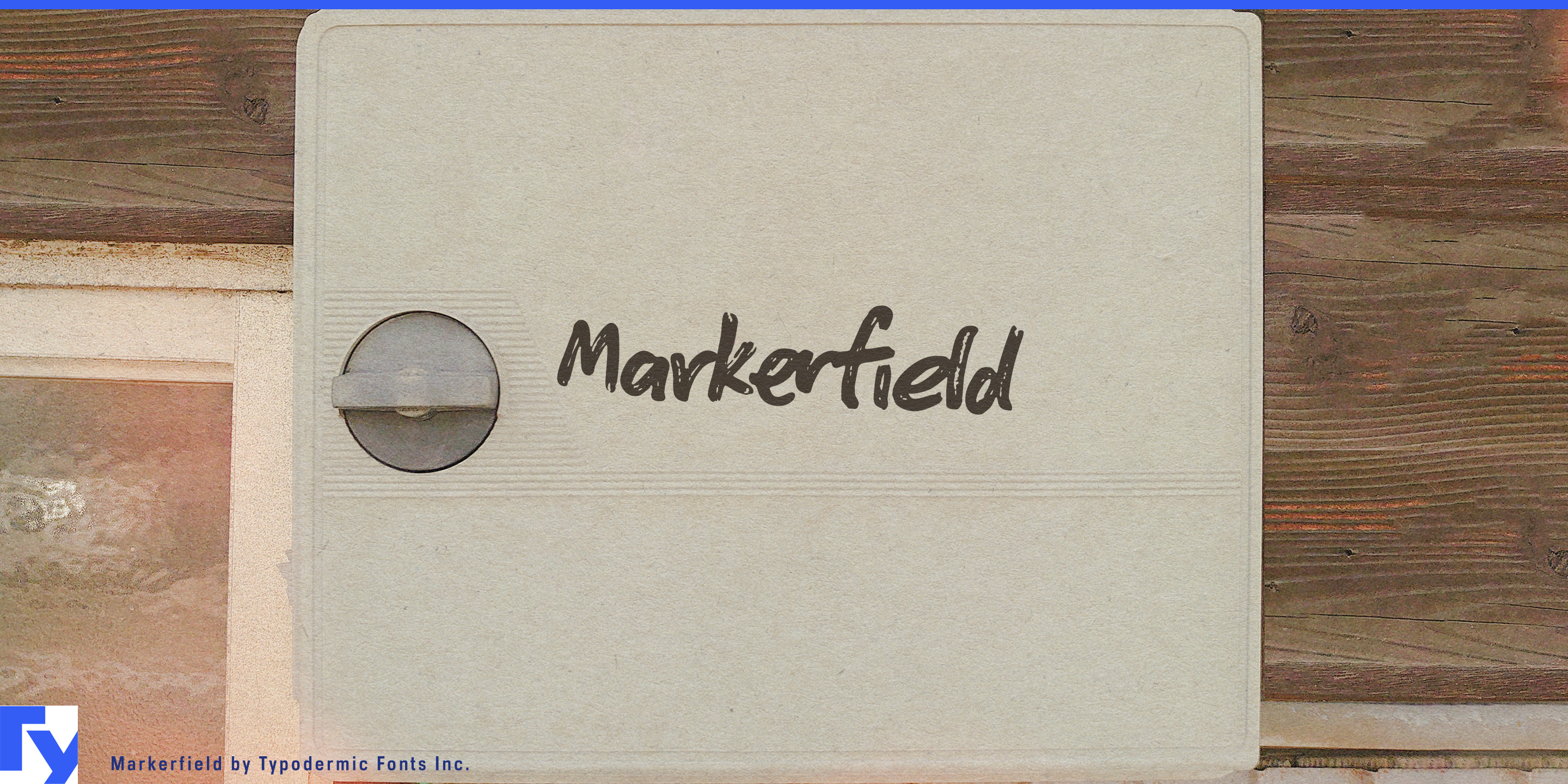
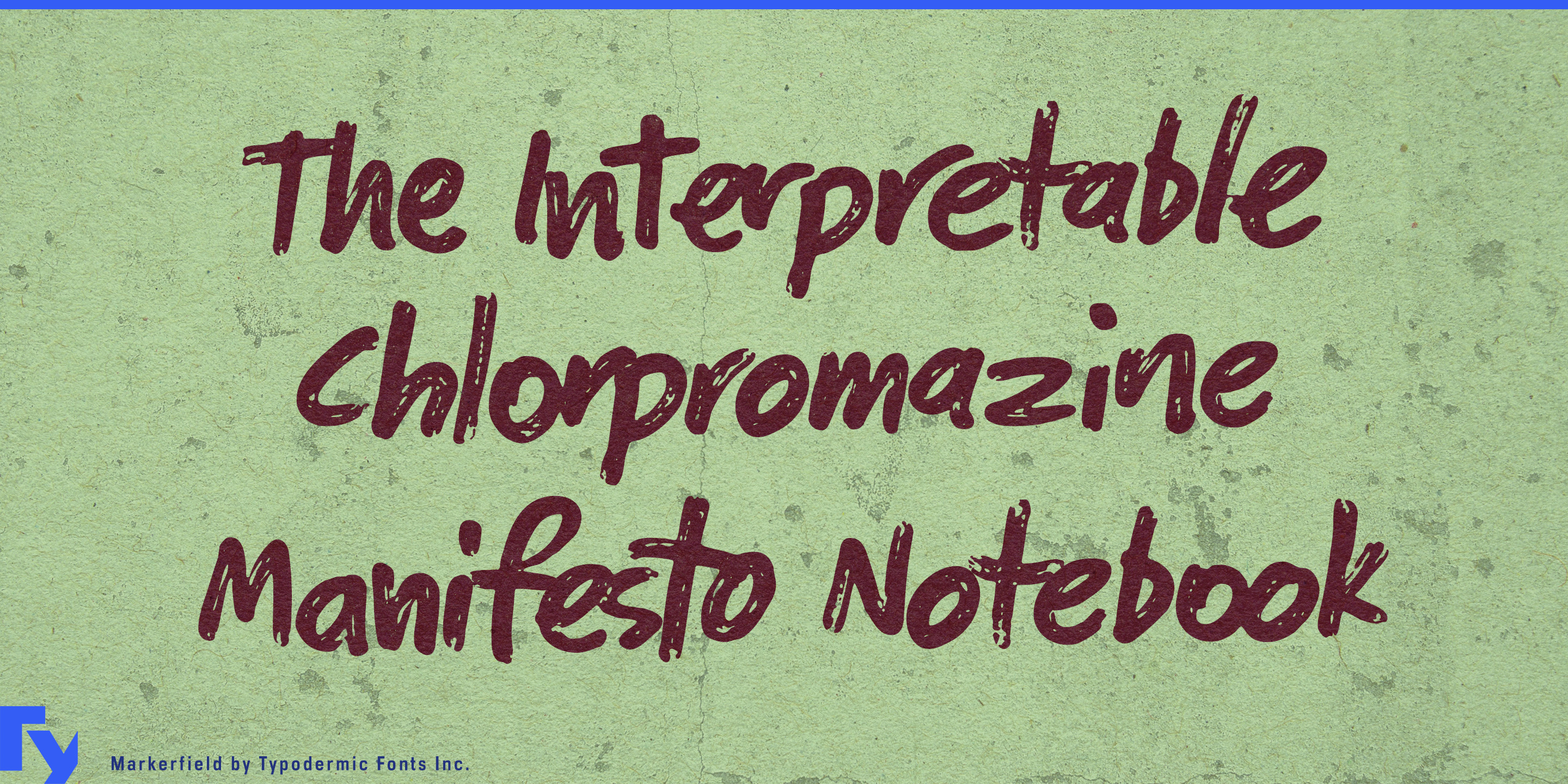
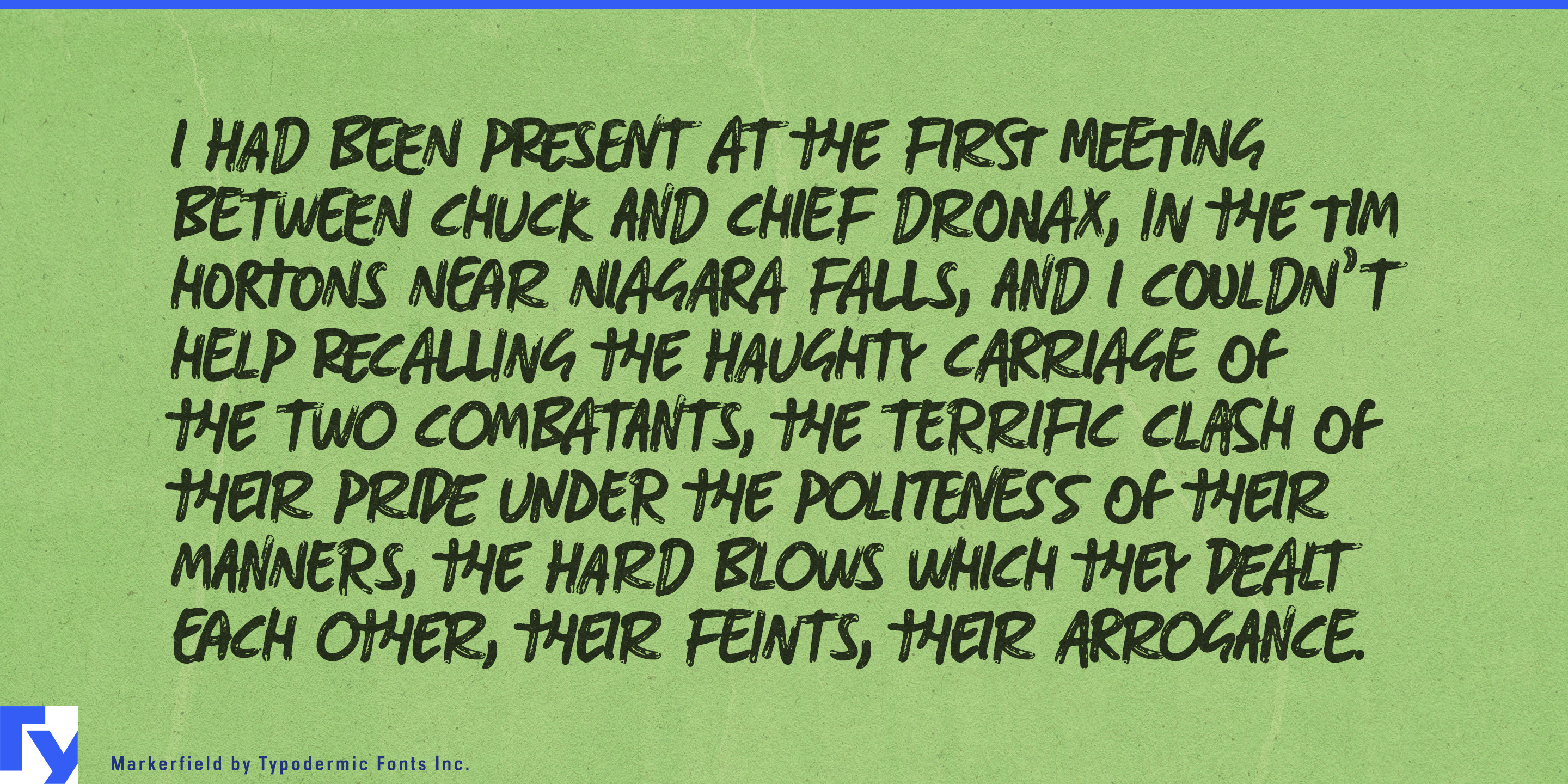
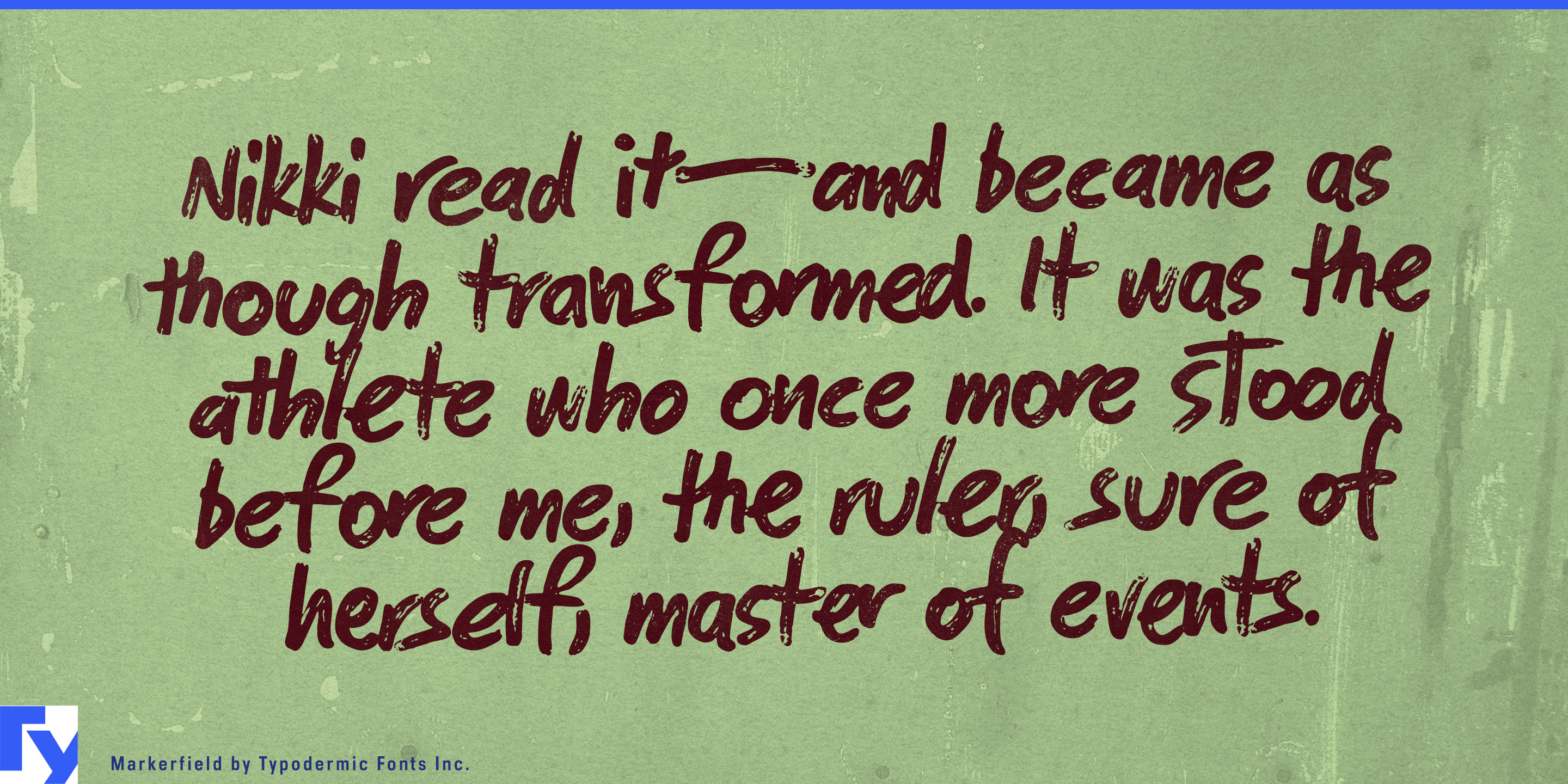
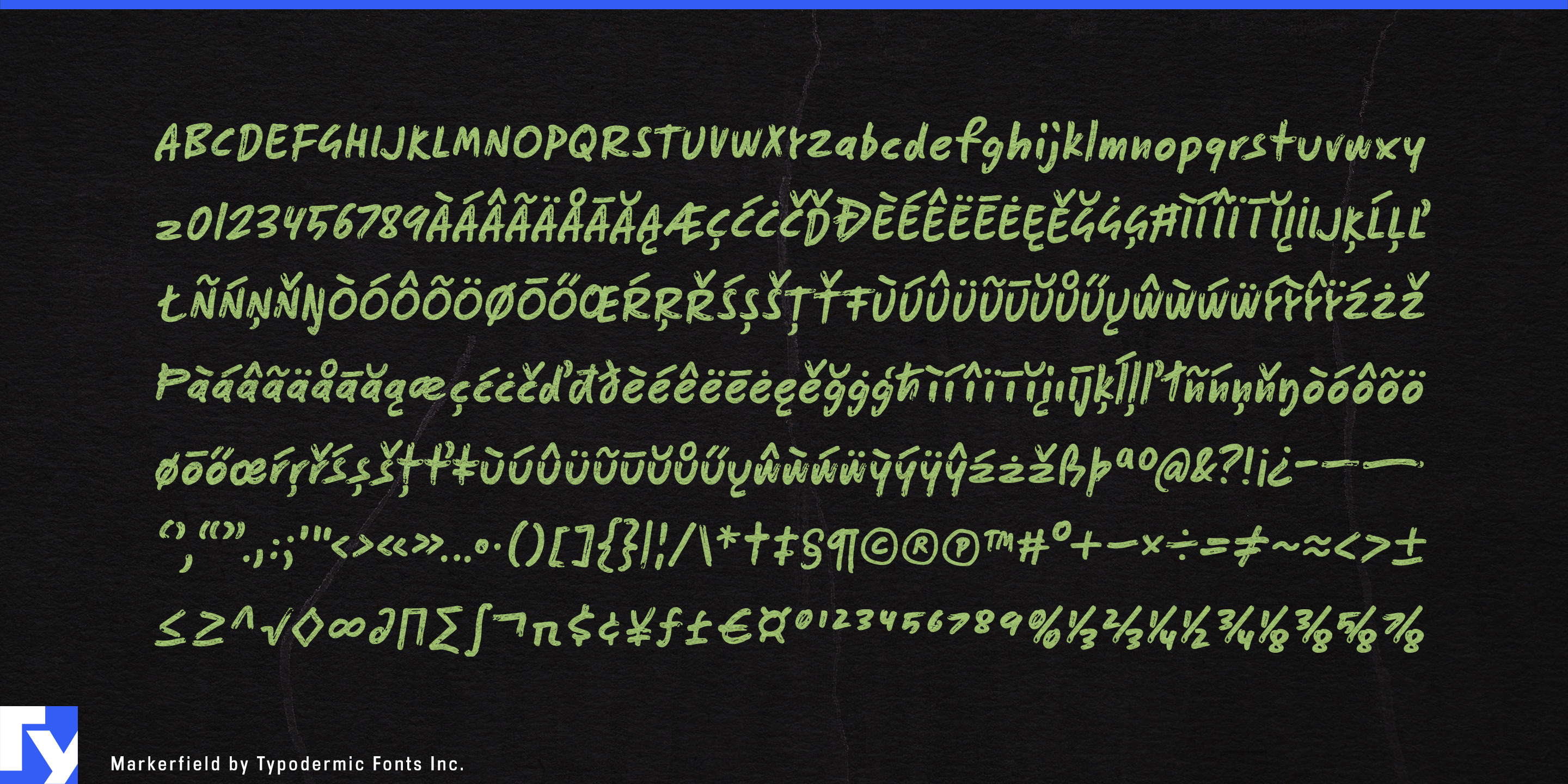
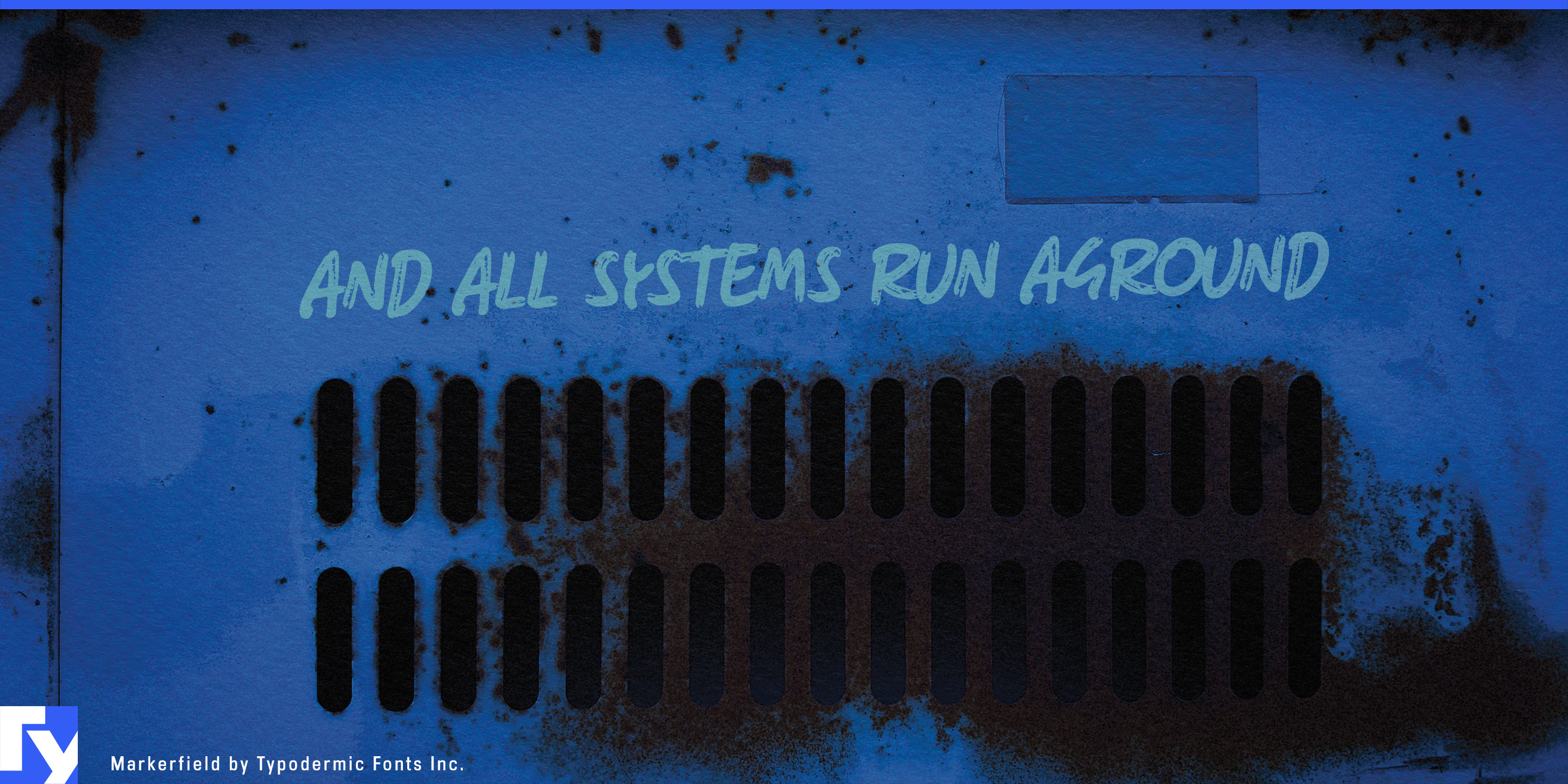
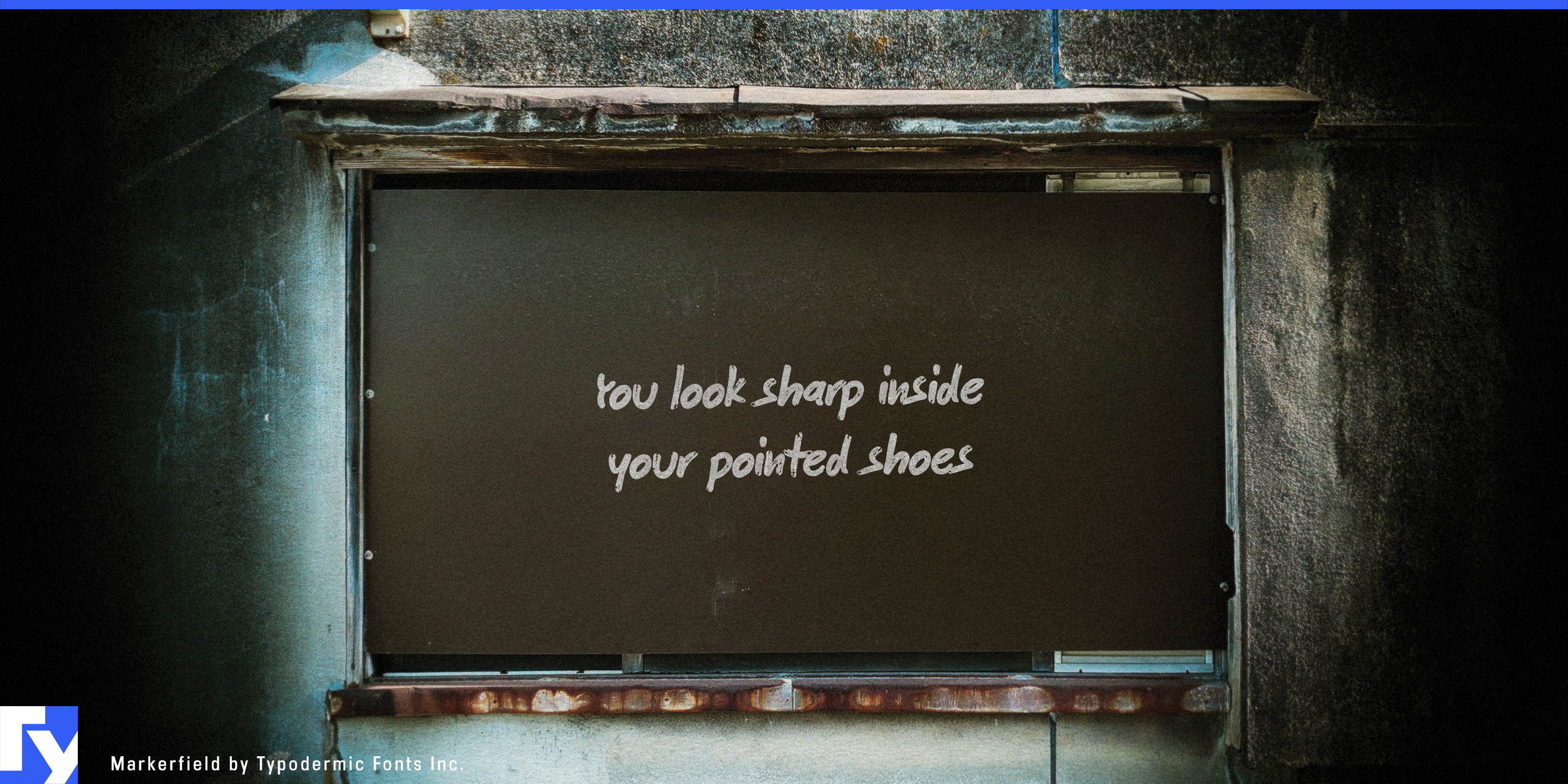
Polished layouts sometimes need a note from a person. A formal caption can feel too integrated into the design; a script font often looks deliberately decorative; drawing every comment by hand becomes tedious once annotations need to be revised, repeated, or translated. Markerfield supplies that human markup layer in editable type.
At small sizes, its dry-marker texture takes on the look of thin felt-tip pen. Set slightly off-axis, it becomes especially convincing as a note added after the main layout was finished. Short comments such as “Start here,” “Move this,” “Check clearance,” or “Option B” can sit beside arrows, circles, underlines, screenshots, and renderings without becoming another formal level in the typographic hierarchy.
That makes Markerfield particularly useful for design review. Architecture presentations, product-design boards, engineering proposals, packaging concepts, campaign comps, UX reviews, and internal creative presentations can use it for revisions, alternatives, material changes, unresolved details, and review notes while the underlying project keeps its normal typography.
Presentation annotation offers a similar role. Management consultancies, strategy teams, engineering firms, research groups, and corporate planning departments can add margin notes, chart observations, circled figures, caveats, and key takeaways without forcing every intervention into another box or callout style.
Software and digital-product communication provide another strong setting. SaaS launches, onboarding material, product tours, customer academies, cybersecurity explainers, release announcements, and AI-product demonstrations often show interface screenshots covered with arrows and short notes. Markerfield can supply comments such as “Start here,” “New workflow,” or “Generated automatically” while the interface itself retains its normal typeface.
Engineering teams can use the same approach over CAD screenshots, component renderings, factory layouts, installation proposals, site photographs, and equipment images. Teachers and tutors can apply it to corrections, worked examples, margin comments, diagram labels, and explanatory arrows.
Markerfield works best when it behaves like markup rather than carefully composed typography: relatively small, loosely placed, occasionally angled, and positioned just outside the underlying grid. It gives polished digital work a human intervention layer while keeping every note editable and repeatable.
Get Markerfield
Desktop licenses cover print, logos, and static graphics. MyFonts also offers embedding licenses for websites, e-books, and applications.
Commercial font facts
Family details
- First released
- 2010
- Styles
- 1 style
- Version
- 2.003
- Formats
- OTF
- Class
- Script
- Form
- Handwritten
- Scripts
- Latin
- Role
- Display
Commercial style names (1)
- Regular